Maltego Transforms
Maltego transforms, which allow users to enrich IP entities in maltego with CrowdSec CTI intelligence.In this documentation we'll answer the following questions:
- How to create your private TDS (pTDS)
- Where to install and configure the crowdsec transforms
- What our 11 transforms do
Deployment Guide
Prerequisites
Make sure your instance has docker and docker compose installed. The instance should have a public IP.
Steps
Starting the transform server
Clone the repo and cd into it and start docker compose:
git clone https://github.com/crowdsecurity/maltego-transforms
cd maltego-transforms
docker compose up
Modify settings to point to your IP
With your current working directory being in the cloned repo. Run the following command to point the settings to your instance's IP
sed -i "s/my_ip/1.2.3.4/g" transforms.csv
Replace 1.2.3.4 with your instance's IP
Registering at pTDS
Importing Transforms
Navigate your browser to pTDS website
Create an account and login.
Navigate to Transforms
Click on import Transforms.
Click on Choose File and navigate to
transforms.csvfile we modified earlier.Finally click on Import Transform Button
Creating a Seed
Navigate to Seeds
Click on Add Seed Button.
Fill in the Seed Name, with name of your choice.
Click on the Transforms dropdown and select all the CrowdSec Transforms.
Click on the Add Seed Button.
Done ! You can now share the Seed URL to maltego clients, and they'd be able to use the transforms.
User Guide
Installation
Registering the Seed URL
In your maltego client register the Seed URL we created in the above deployment guide by following this guide
Adding CrowdSec API key to the transforms
Obtain the CrowdSec CTI API key by following this guide.
Follow this guide except select CrowdSec Transform Server.
Copy paste the API key in the
API keyfield in the tranform properties
Done !
Usage
All the CrowdSec transforms take the builtin IP entity as an input. You'd have an option to run them whenever you right click an IP entity. A caching system allows you to run multiple transforms on the same IP without consuming your quotas for each transform. The cache expiration can be found in the transform settings.
As per your requirements you can either run multiple transforms or just a single one.
Below is a reference to what each transform does.
Transform reference
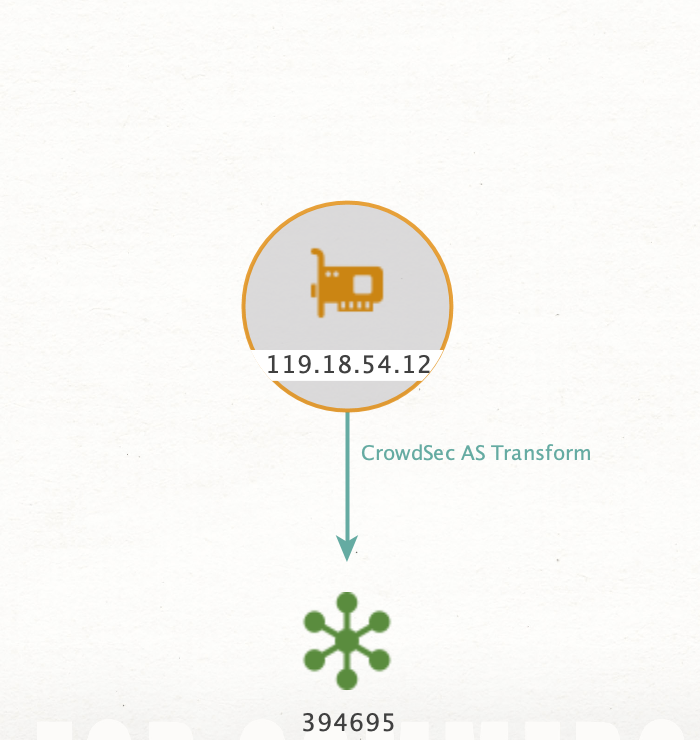
CrowdSecAS
Adds AS entity for an IP by leveraging CrowdSec CTI data
CrowdSecActivity
Adds activity details properties to an IP using CrowdSec data.
CrowdSecAddAPIResp
Attaches CrowdSec CTI API response as a property to IP entity.
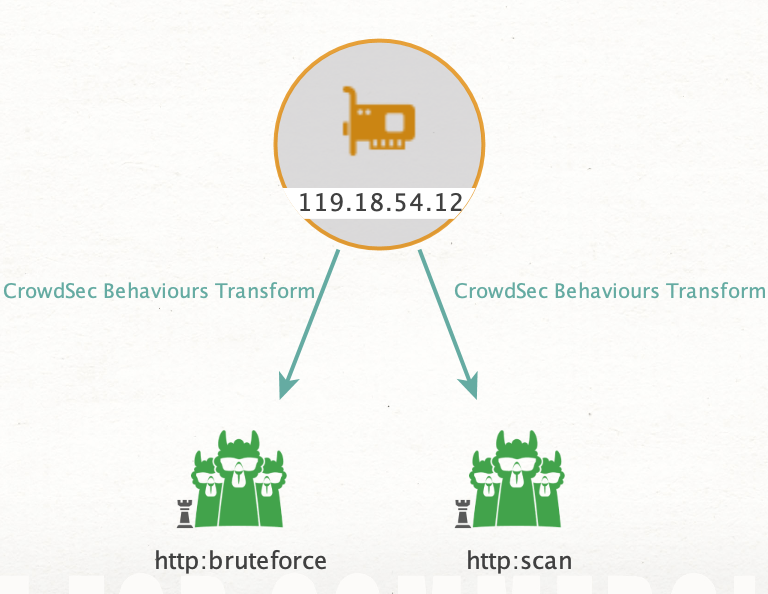
CrowdSecBehaviours
Creates a behaviour entity for an IP by leveraging CrowdSec CTI data
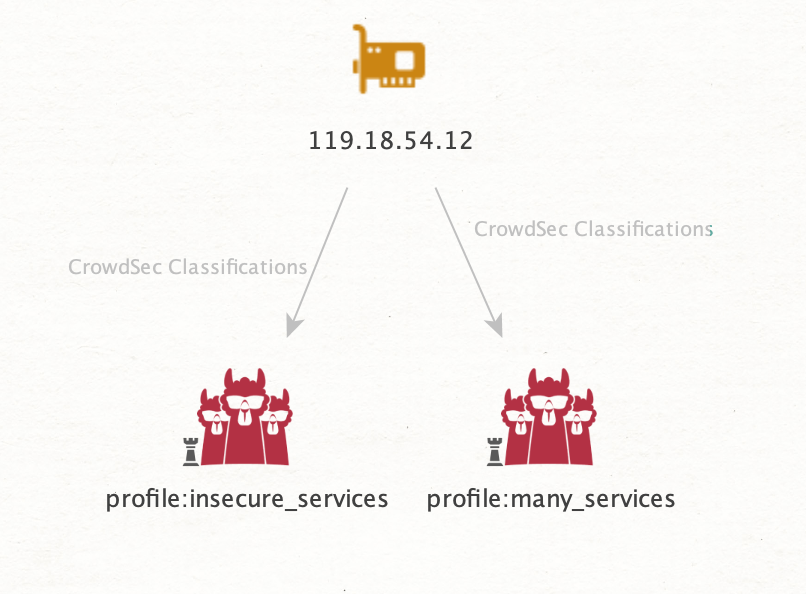
CrowdSecClassification
Creates classification details entities for an IP using CrowdSec data.
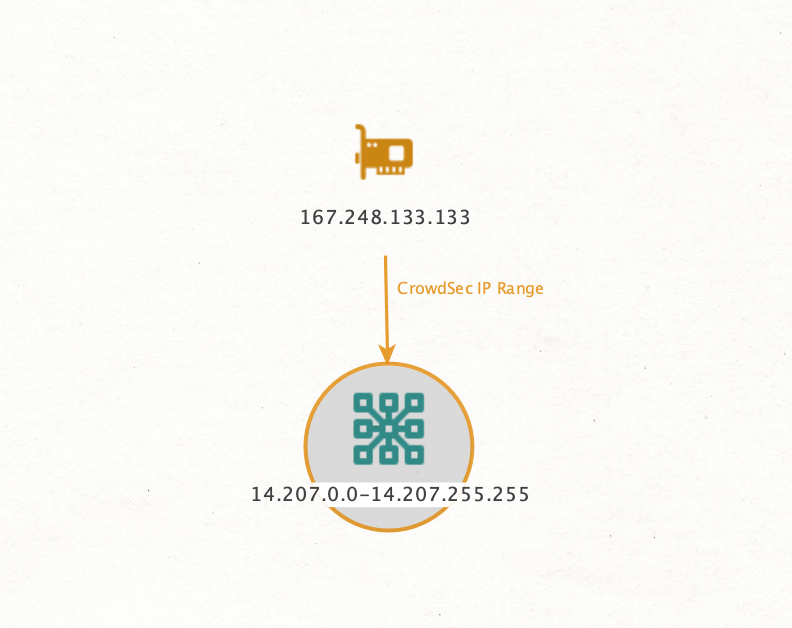
CrowdSecIPRange
Creates an IP range entity for an IP by leveraging CrowdSec CTI data.
CrowdSecLocation
Adds location entities by leveraging CrowdSec CTI data.
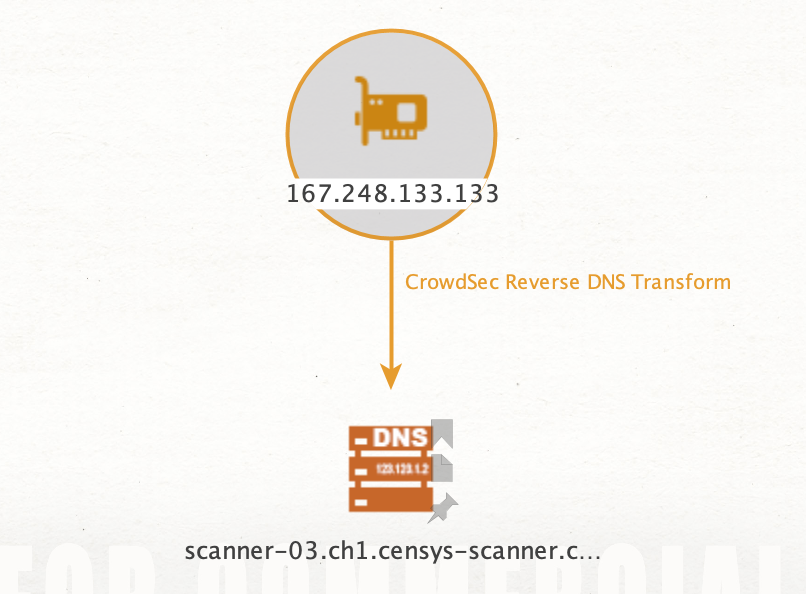
CrowdSecReverseDNS
Creates Reverse DNS entity for an IP by leveraging CrowdSec CTI data
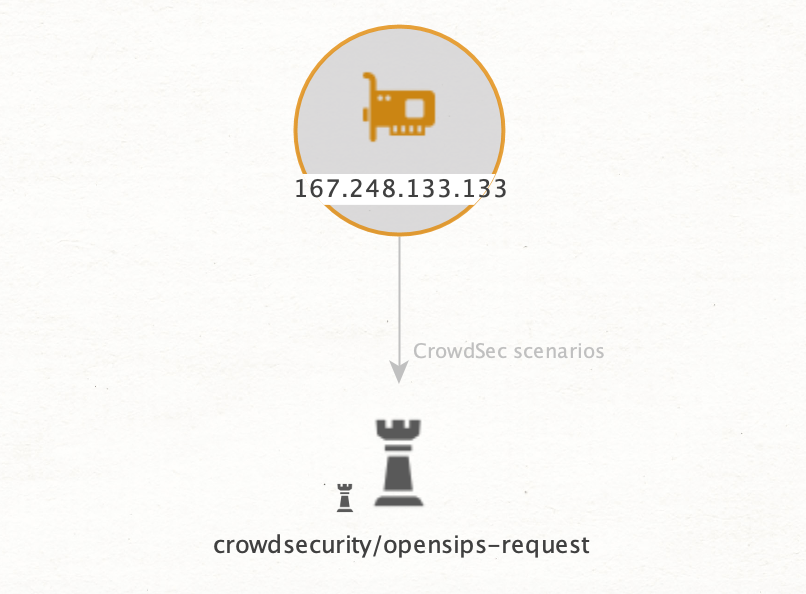
CrowdSecScenarios
Creates entites for scenarios triggered by IP using CrowdSec CTI data.
CrowdSecScores
Adds score details for an IP by using CrowdSec CTI.
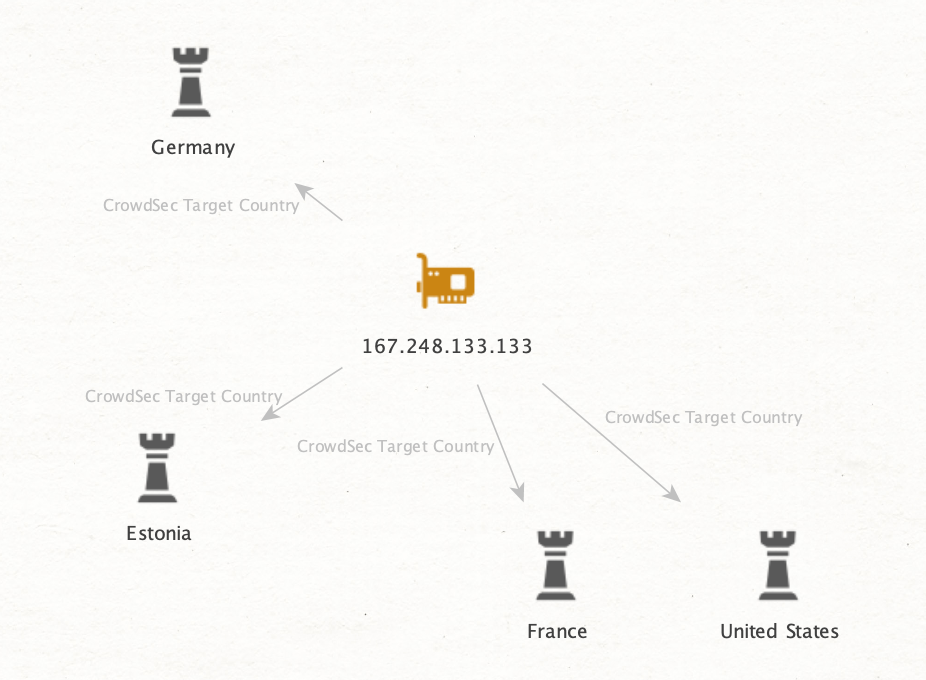
CrowdSecTargetCountries
Links IP entity with countries most attacked by it, using CrowdSec data.